> For the complete documentation index, see [llms.txt](https://help.isdown.app/llms.txt). Markdown versions of documentation pages are available by appending `.md` to page URLs; this page is available as [Markdown](https://help.isdown.app/plans-and-payments/how-to-change-your-isdown-plan.md).
# How to Change Your IsDown Plan
Changing your plan in IsDown is simple and flexible. You can upgrade immediately or schedule a downgrade for the end of your billing cycle.
**Steps to change your plan:**
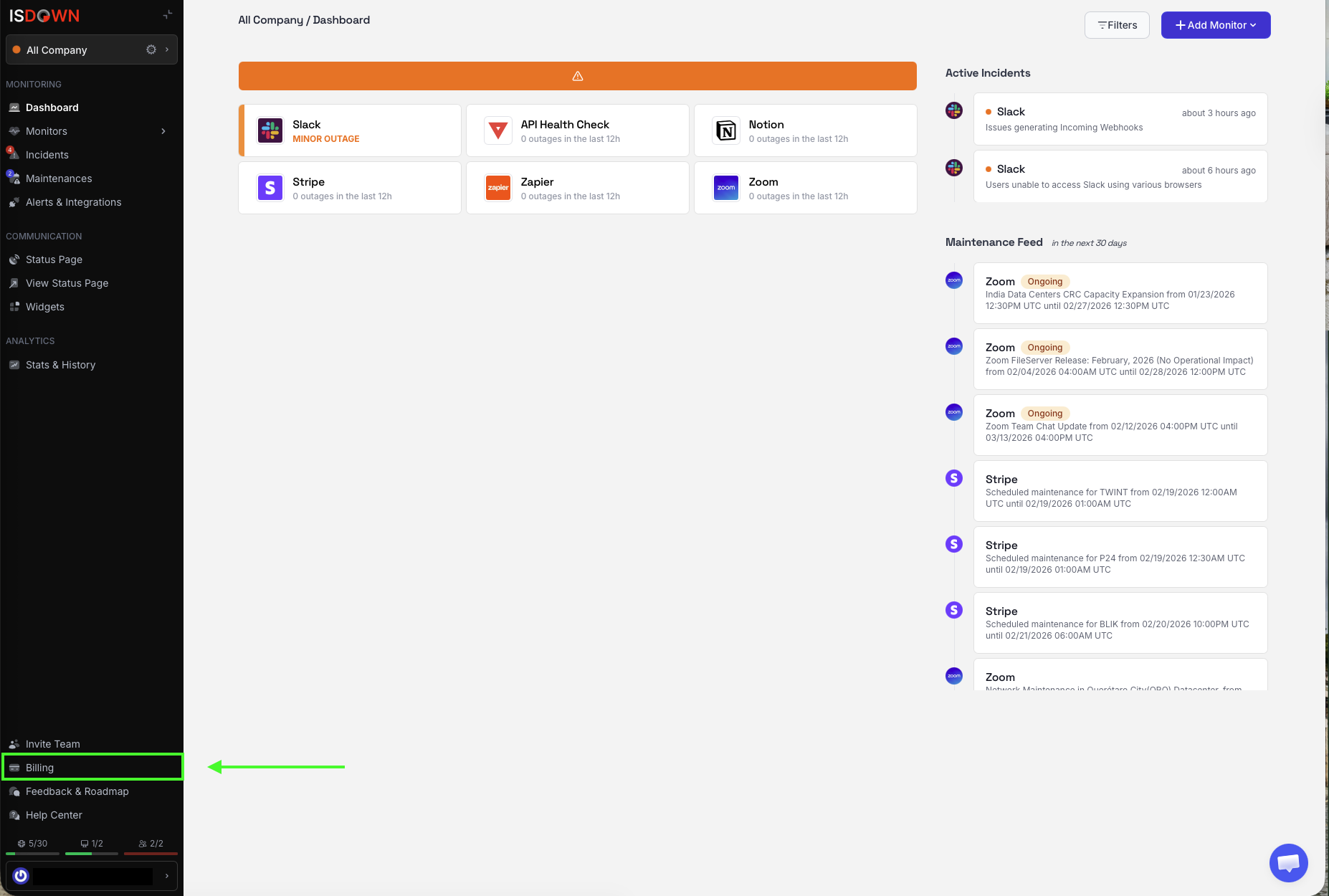
1. Go to **Billing** in your account settings or on the Analytics menu on the left tab bar.
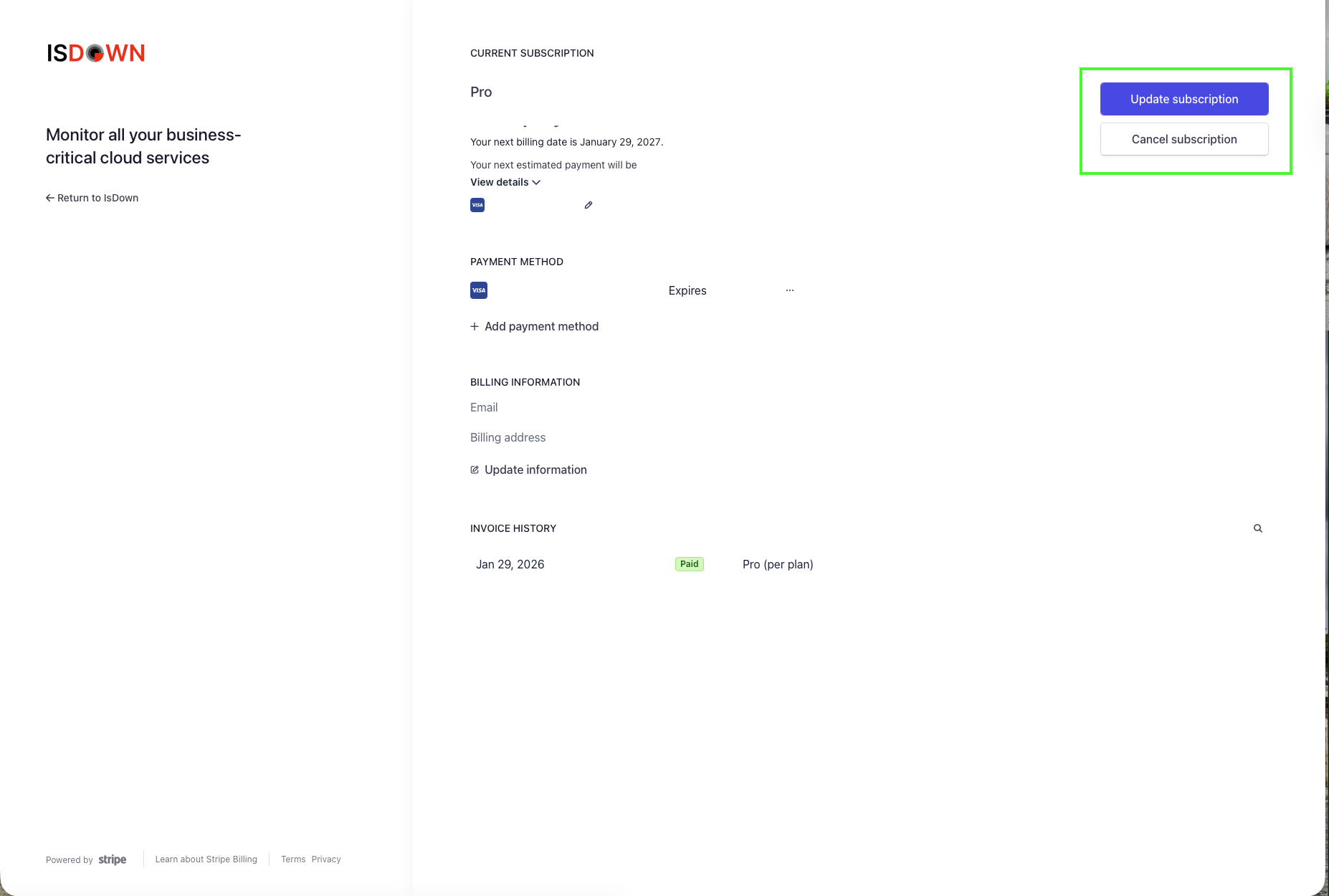
2. Click **Manage Subscription**.
3. Select **Update subscription** or **Cancel** **subscription.**
4. 1. **Update subscription:**
1. Select the plans you want to upgrade/downgrade to.
2. Click **Continue** and you will be redirected to a payment page.
2. **Cancel subscription:**
1. Redirects you to a page to confirm that you want to cancel and gives you the date until when you will have an available subscription.